Google Launches Veo 3.1 Video Generator to Compete with OpenAI’s Sora 2
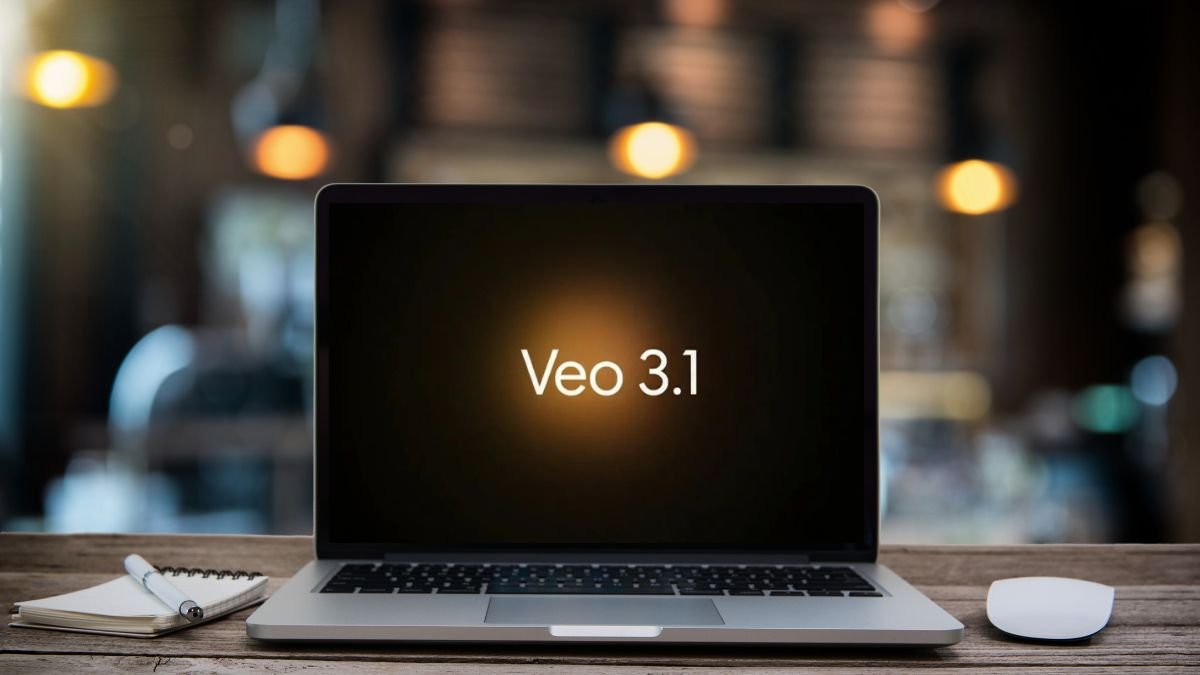
The landscape for artificial intelligence content creation is shifting rapidly. A significant development has emerged that pits two tech giants against each other. This move signals a major step forward in the capabilities of AI-driven media production.
The recent introduction of an advanced model from one company appears as a strategic counter to a rival’s popular application. This rival platform gained immense traction, achieving one million downloads incredibly fast. It quickly climbed to the top of app store charts following its late September debut.
These tools represent the cutting edge of technology that transforms simple text into dynamic visual stories. The quality of output from such systems has improved dramatically. What was once easily spotted as artificial now often challenges perception, blurring the line between human and machine creation.
While many options exist for generating static images, far fewer can produce convincing motion pictures. The current market leaders offer distinct approaches. One focuses on professional-grade editing and audio integration. The other embraces a social media-friendly, viral feed style.
This head-to-head evaluation goes beyond a simple feature list. We will examine practical performance, testing results, and ideal use cases. Understanding these differences is crucial for anyone looking to leverage this powerful technology.
Introduction & Context
Creating believable moving scenes with artificial intelligence was once a distant dream, but recent breakthroughs have made it a tangible reality. The field has evolved from producing easily spotted fakes to generating nearly photorealistic results. This progress marks a significant shift in digital content creation.
Overview of AI Video Generation Trends
The current landscape for these advanced tools is crowded and specialized. Major trends include integrated audio capabilities and a strong focus on prompt adherence.
Different models now target specific audiences. Some aim for professional filmmaking with high-end editing. Others prioritize speed and a social feed style for quick content sharing.
This specialization means users can select tools that perfectly match their needs, from advertising to personal media projects.
Background on Key AI Models
The technical challenges behind this generation of video are immense. Maintaining consistency over time and syncing sound are complex hurdles that image creation does not face.
One leading model, Veo 3, represented a dramatic leap in capability. It could produce realistic videos and sounds directly from text. Its successor continues to enhance these features.
Another major player, Sora 2, entered the market with a distinct social media and community-sharing approach. Its app-like interface encourages remixing and viral content creation.
These two models are often seen as leaders in their respective segments, making a direct comparison highly valuable for creators looking to produce advanced videos.
Google launches new Veo 3.1 video generator to counter OpenAI’s Sora 2
The latest iteration brings significant upgrades, most notably the integration of high-quality audio across its entire suite of tools. This advancement creates more immersive scenes with synchronized ambient noise and dialogue.
A dual-model approach is now available. Users can choose between the full-featured model for maximum quality or a faster, lighter version for rapid prototyping. This provides flexibility based on project needs.
Core Feature Upgrades
Three primary areas received major improvements. The system now offers better narrative comprehension and more realistic visual textures. New precision editing tools allow users to add or remove objects from scenes.
These features automatically adjust shadows and lighting for consistency. Working with reference materials is also enhanced.
The “Ingredients to Video” tool combines multiple reference images into a single, cohesive scene. The “Frames to Video” feature generates smooth transitions between a start and end frame.
For extending content, the “Extend” function can create clips up to a minute long. It continues the motion from an existing video seamlessly.
Accessibility and Pricing
The new models are accessible through several platforms, including the Gemini API and Vertex AI. A dedicated video editing environment is also available.
Free accounts receive monthly credits for testing, roughly equivalent to five short videos. Full access requires a professional subscription. Pricing is based on the duration of the generated content, with different rates for each model.
Comparing Features and Capabilities
A direct comparison of core functionalities reveals distinct advantages for different creative needs. This analysis focuses on two primary generation modes: converting text and animating images.
Text-to-Video Innovations and Dialogue Accuracy
Interpreting a user’s prompt accurately is fundamental. Some systems take a more literal approach, while others allow for creative interpretation. The real test involves complex instructions with multiple elements.
A key differentiator is handling spoken words. The latest model, Veo 3.1, demonstrates a superior ability to sync lip movements convincingly. It also generates coherent ambient audio that matches the scene elements.
This results in more believable character interactions and emotions. Achieving good dialogue on the first attempt is a significant time-saver for creators.
Image-to-Video Methods and Reference Handling
Turning static pictures into motion presents another set of challenges. The “ingredients video” function is a powerful image-to-video tool. It uses uploaded reference images as inspiration rather than strict templates.
The system creates a new scene that follows your text prompt. It includes objects resembling the provided materials without exact replication. This prioritizes overall coherence but can sometimes deviate from the supplied images.
For greater control, creators can use other tools to generate a perfect starting frame. Feeding this to the main system for animation minimizes deformation. This helps maintain consistency for characters throughout the generated video.
In-Depth Testing and Performance Analysis
Head-to-head comparison testing provides concrete evidence of capability disparities. Standardized prompts evaluated realism, coherence, and motion physics across different scenarios.
Realism, Coherence, and Visual Quality
The testing methodology used carefully designed prompts. Each prompt targeted specific creative challenges. These included cinematic scenes, action sequences, and dialogue generation.
For urban night scenes, one model created wider-angle compositions. This resulted in more immersive backgrounds with better lighting details. The competing system produced tighter crops but matched depth specifications more accurately.
Dialogue testing revealed significant differences in sound quality. One platform generated natural-sounding conversations with proper lip sync. The other created unnatural speech patterns that lacked emotional tone.
Copyright handling showed stark policy contrasts. One system refused most character-related requests. The alternative generated such content without restrictions, offering more creative freedom.
Overall, the testing demonstrated clear advantages for professional applications. One solution consistently delivered higher quality output across multiple test categories. Its versatility makes it suitable for serious content creation projects.
Market Impact and Usage Considerations
The practical implications of choosing between these competing platforms extend far beyond technical specifications. Each system targets different creator segments with distinct business strategies.
Target Audiences and Professional Applications
One platform clearly aims for professional users in filmmaking and advertising. Its superior output quality makes it the only viable option for serious projects.
The competing model focuses on social media enthusiasts. It excels at personalized content through its cameos feature.
This distinction means professionals should prioritize the system with advanced editing capabilities. Casual creators may prefer the social-focused approach.
Cost, Accessibility, and Subscription Models
Pricing reflects these different market positions. The professional-grade tool ranks among the most expensive options.
It costs approximately $0.40 per second for full-quality video generation. A faster variant reduces this to $0.15 per second.
Free accounts receive 100 monthly credits for testing. This allows about five short videos before committing to subscriptions.
Accessibility differs significantly. One system requires invites through a standalone app. The other integrates with existing developer platforms.
Conclusion
Selecting the right tool depends fundamentally on the creator’s specific objectives and audience. For professional applications requiring superior output, one platform demonstrates clear advantages.
The advanced system excels with its comprehensive editing capabilities and superior audio synchronization. Its ability to handle reference images through specialized features provides unmatched creative control.
Character consistency and proper lighting adjustments make it ideal for serious projects. Access through multiple platforms like the Gemini API offers flexibility for different workflows.
The alternative platform serves social media creators well with personalized content options. However, for professional-grade video production, the choice becomes clear based on technical merits and output quality.